



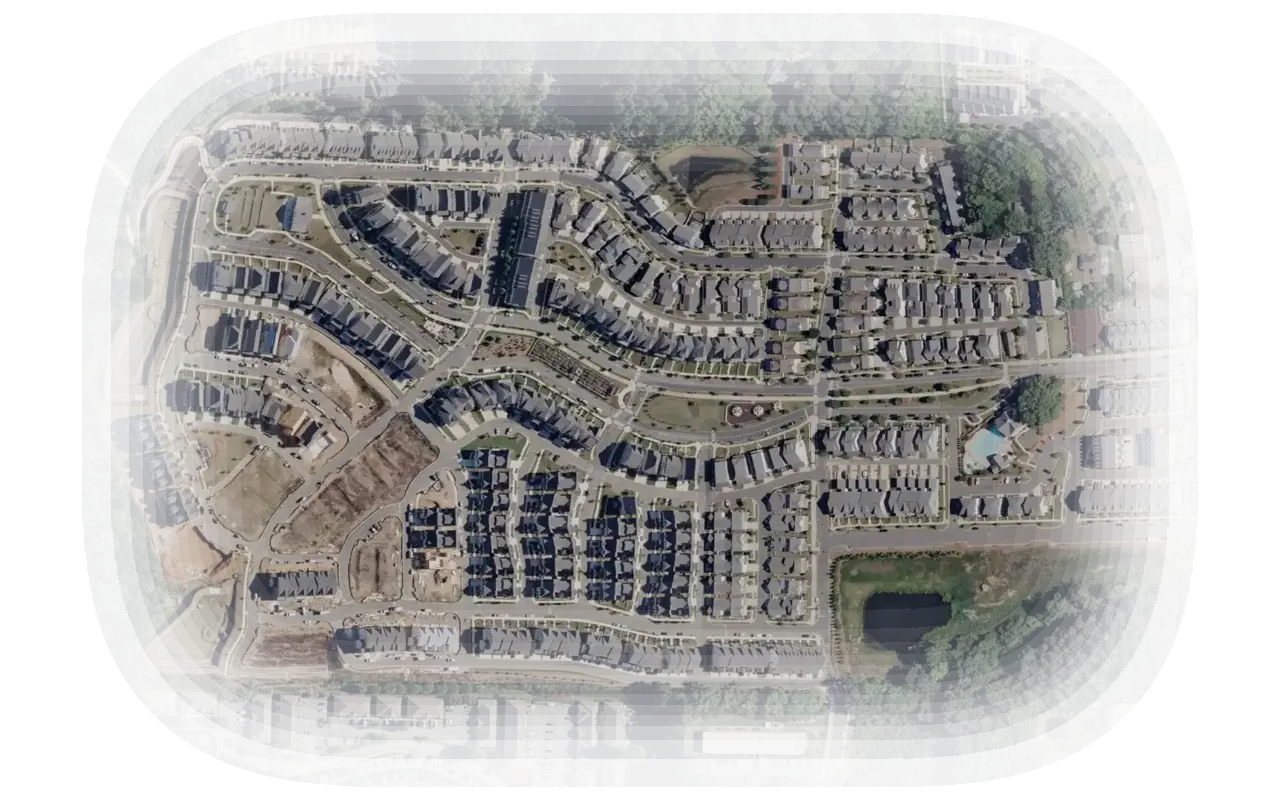
The Vendor+ open-requests screen: 8 RFPs for your trades within 5 miles, each on the map, nearest first.
Your next community is a few miles away.
Communities post RFPs on VendoRFP. Vendor+ lists the ones in your trades and your radius, nearest first. When you win one, the stops go on your route and the invoice goes out under your name.
© Mapbox © OpenStreetMap contributors
How a job gets to you
- 1
A community posts an RFP
The scope, a map of the property and the insurance it asks for. It lands in your list when it matches your trades and your radius.
- 2
You send a proposal
Open the RFP, walk the map and set your price. Proposal Studio builds the proposal from the RFP’s own lines, with your photos and your COI attached.
- 3
They pick, you run it
The community compares proposals and signs with one company. The work goes onto your route in Vendor+.
Then it runs your week
From the first stop to the paid invoice.
Today’s route
Every stop across every community you serve, in the order you drive it. Each employee signs in with a code sent to their email, lands on today’s stops and sees no prices.
See the crew loginsInvoices in your name
Your company name and your own numbering, with the visit photos attached so the community can approve it. Sales tax gets its own line.
How you get paidYour COI, filed once
Upload your insurance one time. We read it, track the expiration date, and every community you propose to sees it on file.
Insurance for vendorsWork beyond the list
Write up the work and your number, then send it as a link to a community that is not on VendoRFP yet. Only the address you send it to can accept, and the community can open an account to follow the work.
Ways to find work
Before you join
What does it cost to join?
Joining is free, and so is opening an RFP, as many as you like. Paid plans are on the pricing page.
Who sets the price?
You do, after reading the community’s scope.
What do I need before I can propose?
Your general liability COI, which we verify. Workers’ comp, commercial auto and professional liability only where a community asks for them.
Can I use it with communities that are not on VendoRFP?
Yes. Send an offer as a link, and the community can open an account to follow your work and your invoices.
Does it work with my accounting software?
You download a month as a file for QuickBooks Online, QuickBooks Desktop or Xero, or as a CSV, and import it.
What kinds of community do you list?
Residential, master-planned, retirement and condominium communities, plus apartments and commercial property.
See the RFPs near your yard.
Create your account, then upload your COI and W-9. Proposals open once we have verified them.